
|
Friendly Cyber Cafe SoftwareDocumentation |
Administrator
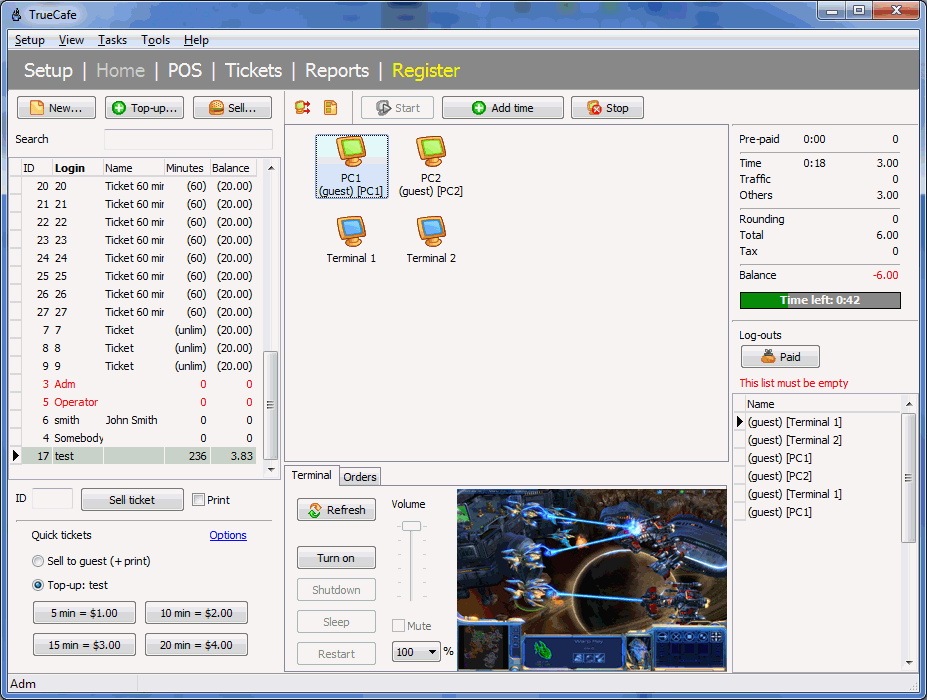
The main window contains:
- main menu and toolbar
- cyber cafe customer list (top left)
- system log (bottom left)
- terminal icons/list (center)
- terminal toolbar with the "arrange terminals" and "list" buttons, start/stop/timer/refresh buttons
- session summary for a selected terminal) (top right)
- terminal screenshot, process list, volume control, etc. (bottom center)
- customers' orders (bottom center)
- log-outs (bottom right)
Terminal legend:
|


The "List" button switches main screen from terminal icons to the list:
TrueCafe. Friendly Internet Cafe Software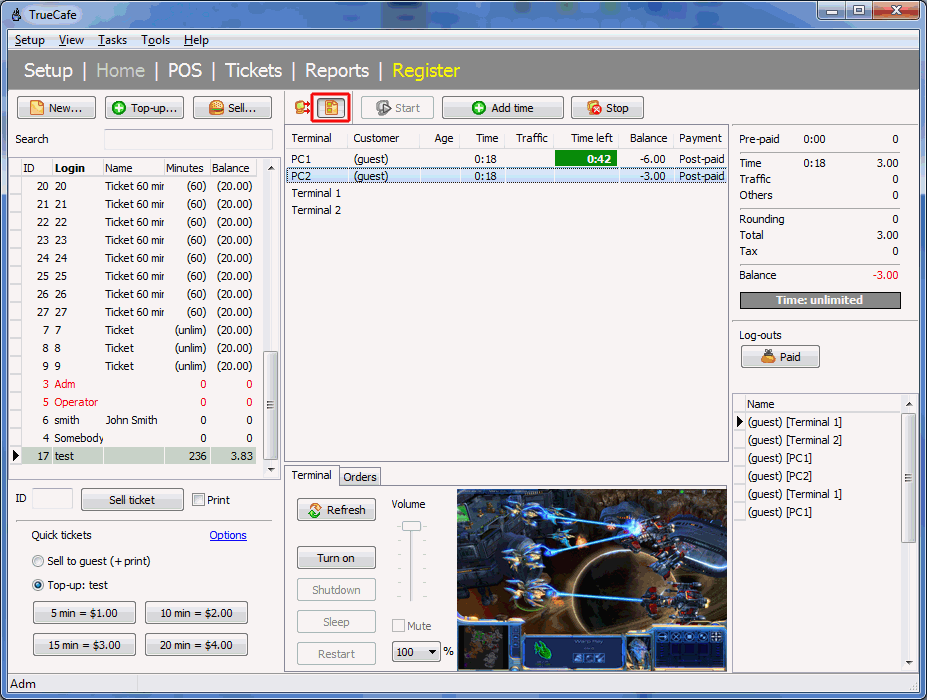
Copyright © 1999-2013 TrueCafe, Ltd.
All rights reserved.