
|
Friendly Cyber Cafe SoftwareDocumentation |
Goods and Stock
Manage the goods and services which you sell and provide to your customers.
If you need the program to control the amount of items available in stock, enable the Stock option for the corresponding goods/service. Otherwise the amount is unlimited.
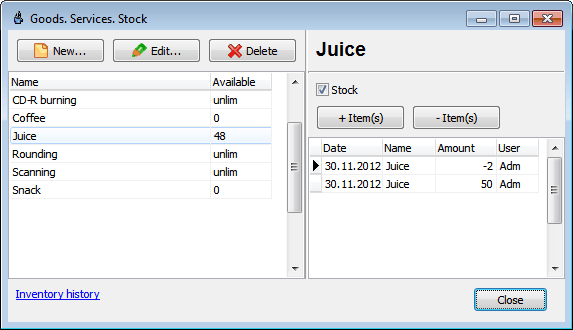
+ Items (Increase Amount)
Increase amount of a particular item in the stock.
Enter the item amount manually or use your barcode scanner for each item:

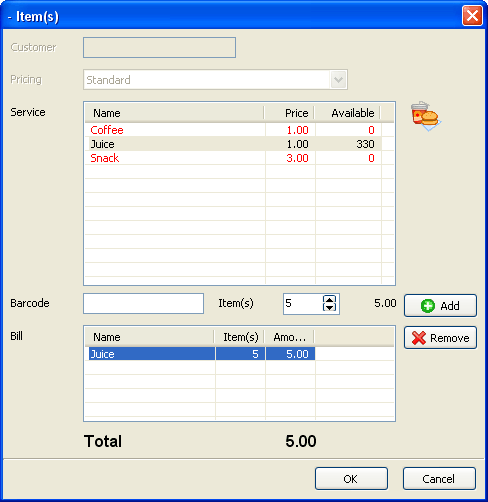
- Items (Decrease Amount)
Decrease amounts of a few items in the stock.
Select an item and enter the amount manually or use a barcode scanner:
Copyright © 1999-2013 TrueCafe, Ltd.
All rights reserved.